From Idea to Upload: Plan Your First 30-Second AI Video
A practical, shot-by-shot guide to turning one simple idea into a coherent vertical video, with sample narration, consistent prompts, editing checks, and responsible publishing advice.

By Sixtus
Nov 22, 2026 · 6 min read
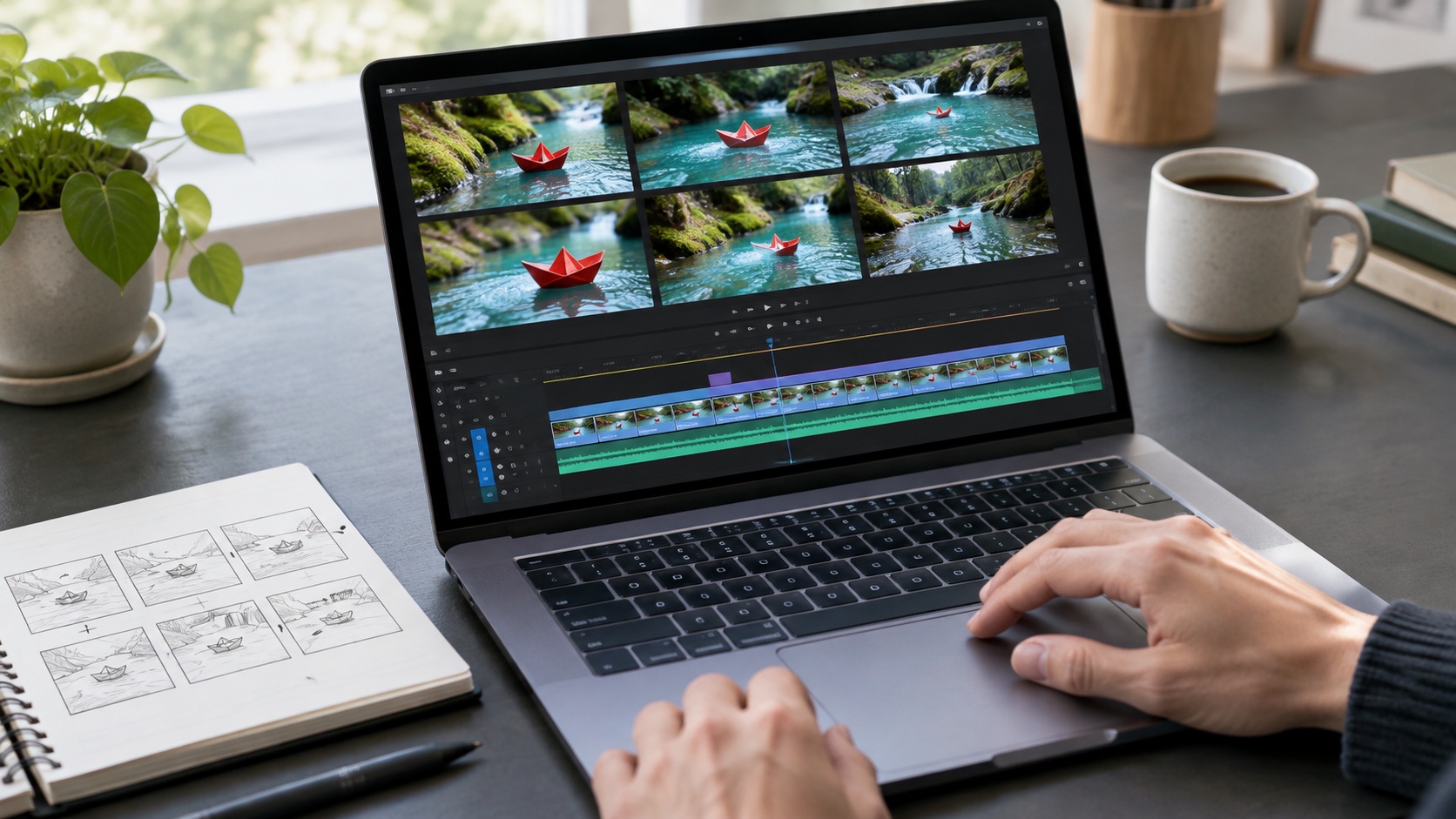
An AI video does not become useful simply because it looks impressive. A viewer still needs a reason to watch, a story they can follow, and a payoff that makes the opening promise worthwhile. For a first project, a short, tightly planned video is usually easier to finish than a sequence of spectacular but unrelated clips.
This guide walks through a worked example: a 30-second vertical video about a red paper boat navigating a stream. It is a planning exercise, not a claim that the finished video has been produced or tested. You can replace the boat with a product, an educational concept, or another fictional subject while keeping the same workflow.
Start with one promise, not ten ideas
Write down what the viewer should understand or feel by the end. For our example, the promise is simple: a fragile paper boat can survive a small journey if it keeps moving. That gives the video a beginning, an obstacle, and a resolution without requiring several characters or complicated dialogue.
A useful brief contains a subject, an audience, a format, and an outcome. For example: “Create a 30-second vertical story for beginner creators. Follow one red paper boat through a shallow stream. End with an encouraging message about finishing a first creative project.”
Avoid adding a second lesson halfway through. If you want to explain prompting, compare tools, and tell a motivational story, make separate videos rather than forcing all three into one short.
Write the narration before generating clips
Read your script aloud with a timer. Word counts are only a starting point: pauses, emphasis, and on-screen actions all consume time. Aim for a script you can deliver comfortably rather than speaking faster to rescue an overcrowded draft.
Here is a sample narration for the boat story:
You do not need a perfect boat to start. This one is only paper. The current pulls it sideways. A branch blocks the way. But one small opening is enough. It moves again. Your first creative project works the same way: make something small, solve the next problem, and finish the journey.
The opening introduces the subject immediately. The middle supplies a visible obstacle. The final sentence connects the imagery to a practical idea. If your video teaches a process instead, replace the metaphor with an actual demonstration and a clear result.
You can use [MrSixtus Script Studio](/script-studio) to draft alternatives, but check every line yourself. Remove invented facts, repetitive hooks, and promises your footage cannot deliver.
Turn the script into six manageable shots
A shot list prevents you from spending generation credits on scenes that have no place in the edit. These suggested timings total 30 seconds, but the final cut should follow the actual narration.
- 0–4 seconds: A close view of the red paper boat floating into frame. Establish the subject without a long introduction.
- 4–9 seconds: A wider view reveals the shallow stream and the direction of travel.
- 9–14 seconds: The boat turns near a small ripple. Keep the movement simple and readable.
- 14–19 seconds: A low branch interrupts its path. Show one obstacle, not a complicated collision.
- 19–25 seconds: The boat passes through a gap and returns to calmer water.
- 25–30 seconds: A steady closing view leaves space for the final caption.
If a model struggles with the branch interaction, simplify the scene. Two separate clips—a boat approaching a branch and a boat drifting beyond it—may communicate the story more reliably than one complex continuous action.
Make a visual reference before making motion
Describe the subject consistently: one small red paper boat, folded triangular bow, no writing, shallow turquoise stream, daylight. Save that description and use it throughout the project.
When your chosen tool supports reference images or image-to-video generation, start from a reference you have permission to use. A shared reference can help keep colour, shape, and setting consistent, but it does not guarantee continuity. Compare each result against the reference before accepting it.
A useful motion prompt for the opening might be:
One small red paper boat drifts slowly from left to right across a shallow stream. Natural daylight, close camera angle, gentle water movement. The camera remains steady. Keep the boat's shape and red colour consistent. No extra boats or text.
Specify one primary action and one camera behaviour. Adding spins, zooms, dramatic weather, and multiple moving objects makes the result harder to control and assess.
Generate selectively and inspect every clip
Produce the opening shot first. Check the boat's shape, movement, and framing before generating the rest. If the visual direction is wrong, changing one clip is cheaper than replacing an entire sequence.
Inspect clips at normal speed and pause at key moments. Watch for changing geometry, disappearing objects, impossible motion, and distracting background details. A beautiful first frame is not enough if the subject breaks apart halfway through.
Keep a small production log with the prompt, chosen result, and reason for rejection. Set a spending limit before starting. Tool pricing, watermark rules, and commercial-use terms can change, so review the terms for the specific service and plan you use rather than assuming all generated media is commercially usable.
Edit for clarity before adding effects
Place the narration on the timeline first, then arrange the clips beneath it. Trim shots to match the spoken beats. If a scene does not help the viewer understand the sentence they are hearing, shorten or remove it.
For a conventional vertical short, a 1080 × 1920 canvas gives a 9:16 frame. Treat that as a practical starting point, not a universal upload requirement. Preview your export in the destination platform, where interface elements may cover the edges or lower portion of the picture.
Add captions and check them manually. Keep important words away from interface areas and use enough contrast to remain readable over moving footage. Listen on a phone speaker as well as headphones; music should support the narration, not obscure it.
Check rights, disclosure, and the opening promise
Use only music, voices, images, and footage you are allowed to publish. Do not clone someone's voice or present an AI-generated person as a real endorsement without appropriate permission. When a platform requires a synthetic-media label, follow its current rules; do not assume a caption alone replaces the upload disclosure controls.
The cover image for this article is AI-generated editorial illustration, not a photograph of the author or proof of a completed production.
Before uploading your video, run this final check:
- Does the opening accurately describe the video that follows?
- Is the subject consistent across all shots?
- Can the story be understood with captions and without sound?
- Is the narration clear, and have caption errors been corrected?
- Have you checked permissions and the platform's current disclosure requirements?
- Have you watched the exported file all the way through on a phone?
Publish one finished experiment, then improve one thing
Give the video a specific title that matches its content. “A Paper Boat's First Journey” is more honest than promising a secret formula for viral success. A strong first project is evidence that you can finish a workflow, not a guarantee of views, income, or monetisation approval.
After publishing, look for where viewers stop watching if your platform provides that information. Use it to form a question: was the opening too slow, was a caption unclear, or did the story lose direction? Change one variable in the next video so you can learn from the difference.
The goal is not to generate the most clips. It is to choose a small idea, make each shot serve it, and deliver a coherent finished video.
About the author
Sixtus is an entrepreneur and AI video creator building digital businesses, including the ShopAt marketplace. He shares tested workflows and honest lessons here. More about Sixtus.
Related Articles
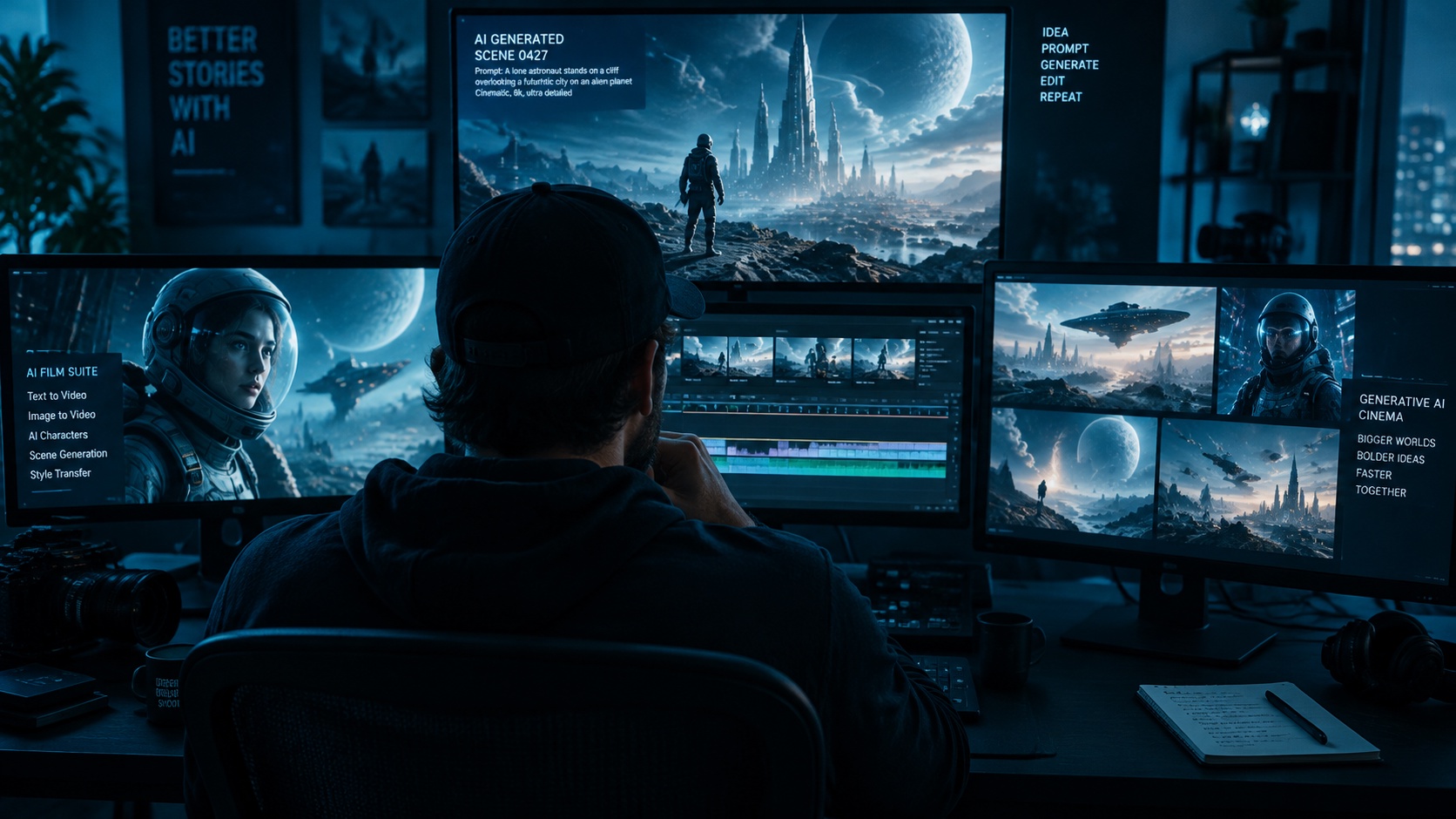
How I Created a Cinematic AI Short Film: Tools, Prompts and My Workflow
A complete behind-the-scenes breakdown of how I wrote, generated, edited and scored a three-minute sci-fi short film using only AI tools and a laptop.
Nov 18, 2026 · 4 min read
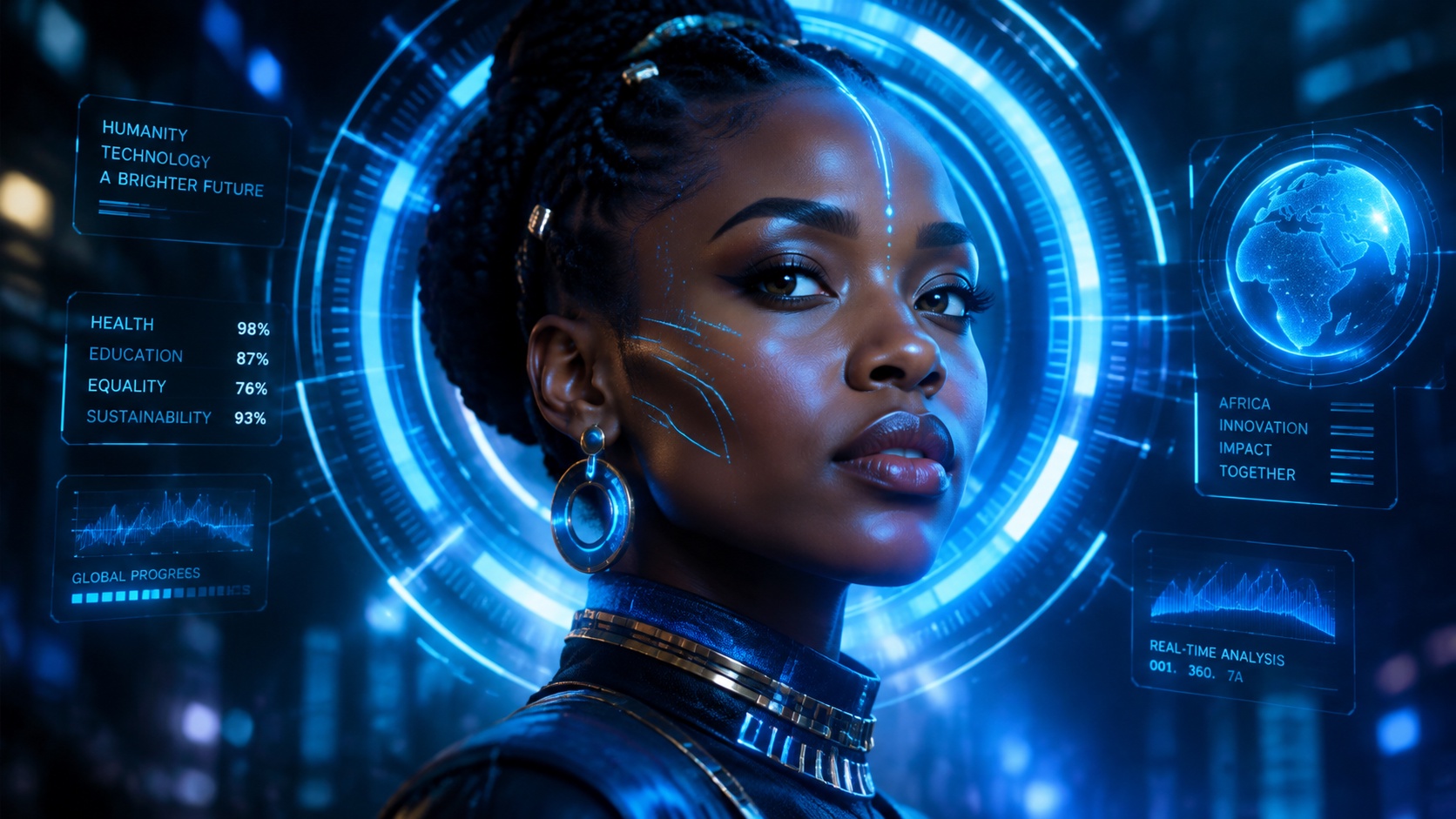
The Best AI Video Generators in 2026: An Honest Comparison
I tested the most popular AI video generators on the same set of prompts. Here is how they compare on quality, control, speed and price.
Nov 12, 2026 · 2 min read
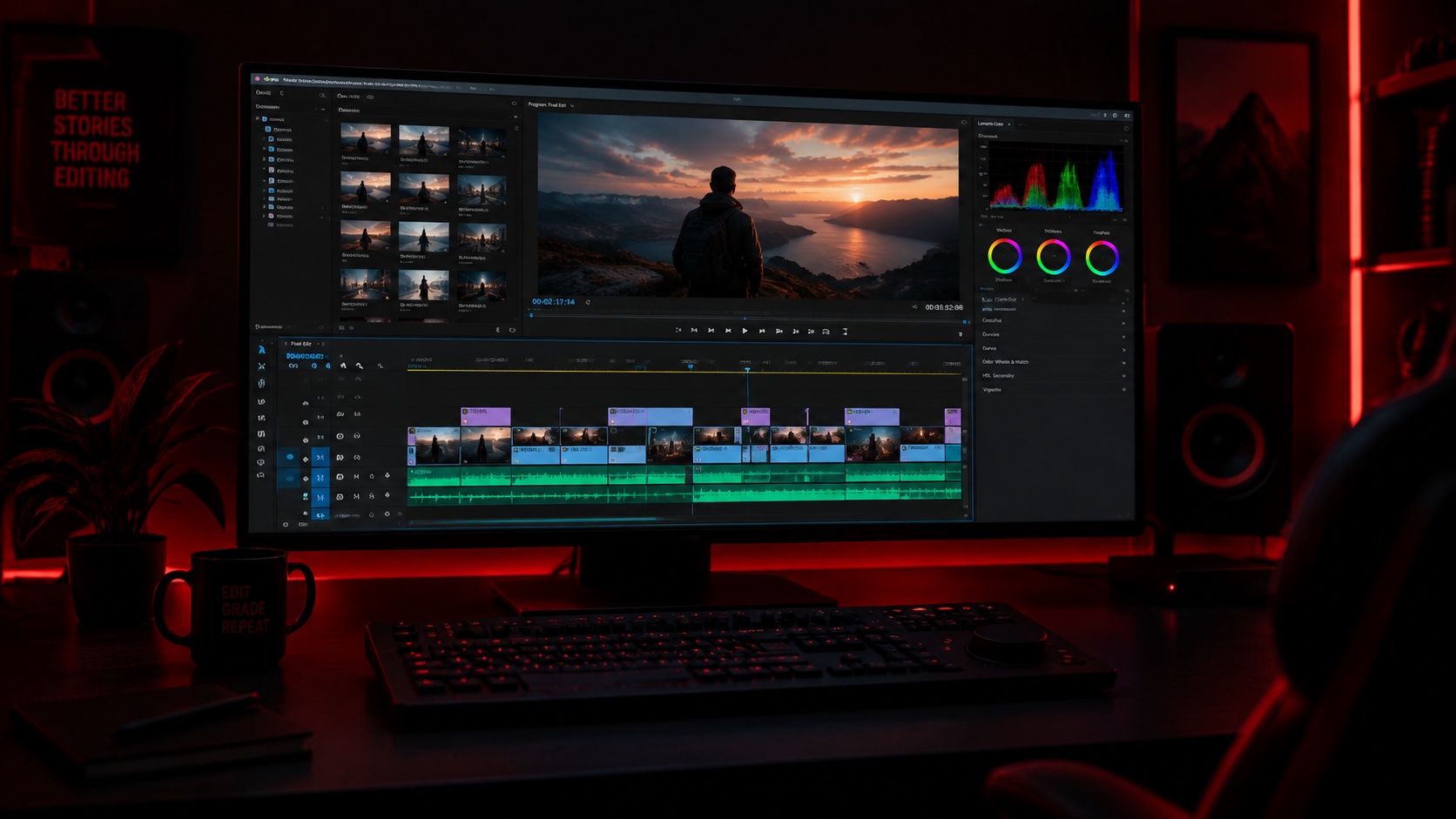
How to Write Prompts for AI Video: A Beginner's Framework
A simple, repeatable framework for writing AI video prompts that give you predictable, cinematic results instead of random clips.
Nov 5, 2026 · 2 min read