The Best AI Video Generators in 2026: An Honest Comparison
I tested the most popular AI video generators on the same set of prompts. Here is how they compare on quality, control, speed and price.

By Sixtus
Nov 12, 2026 · 2 min read

There are now dozens of AI video generators, and every one claims to be the best. To cut through the noise, I ran the same ten prompts through the most popular tools and compared the results on the things that actually matter for creators: visual quality, how well the tool follows instructions, character consistency, speed and cost.
How I tested
Each tool received identical prompts covering a range of difficulties: a simple landscape, a close-up of a face, a person walking, fast action, text on screen, and a product shot. Where a tool supported image-to-video, I also tested it with the same starting image. I judged results on a simple five-point scale and noted any recurring problems.
What separates good tools from average ones
Prompt adherence
The best generators actually do what you ask. If you request a slow dolly shot from the left, you get a slow dolly shot from the left. Weaker tools tend to ignore camera directions and produce a generic slow zoom no matter what you write.
Motion quality
Realistic motion is still the clearest sign of a strong model. Watch hands, feet and hair. Average tools produce rubbery limbs and objects that melt into each other; the best tools keep physics believable for several seconds.
Consistency
For storytelling you need the same character to look the same across shots. Tools that accept reference images or have a character feature are far more useful than tools that only take text.
Control features
Features such as start and end frames, camera presets, aspect ratio choices and extend or remix options save huge amounts of time. A slightly lower-quality tool with great control can beat a beautiful but unpredictable one.
Which tool should you choose?
There is no single winner, so here is how I would choose depending on your goal:
- For cinematic short films: pick a tool with strong image-to-video and reference support, even if each generation takes longer.
- For social media content: choose speed and vertical video support. You will make many short clips, so turnaround matters more than perfection.
- For product and marketing videos: prioritise tools that keep objects and logos stable without warping.
- For learning and experimenting: start with whichever tool offers a generous free tier, and learn prompting fundamentals that transfer to every platform.
Pricing: what to watch out for
Most generators use credits. A five-second clip at high resolution can cost several times more than a low-resolution draft. My advice is to draft at the lowest quality, approve the composition and motion, then render the final version at full quality. This simple habit cut my monthly spending roughly in half.
My recommended workflow
- Generate still key frames with an image model.
- Animate the best frames with an image-to-video tool.
- Upscale only the clips you will actually use.
- Finish everything in a normal video editor.
Final thoughts
The tool matters less than the person using it. Every platform on the market today can produce stunning results with good prompts, strong references and careful editing. Pick one, learn it deeply, and only switch when you hit a limit you genuinely cannot work around.
About the author
Sixtus is an entrepreneur and AI video creator building digital businesses, including the ShopAt marketplace. He shares tested workflows and honest lessons here. More about Sixtus.
Related Articles
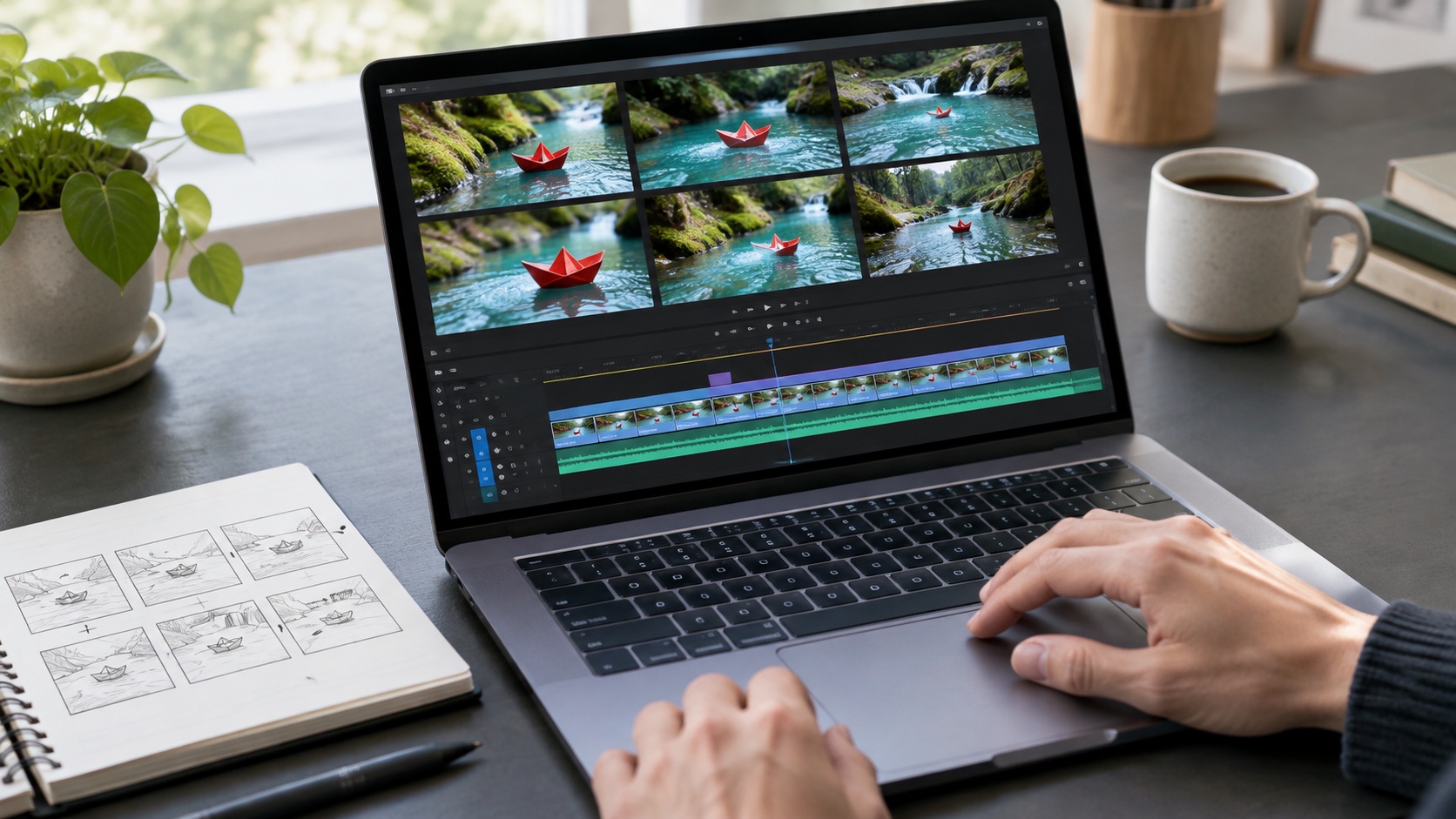
From Idea to Upload: Plan Your First 30-Second AI Video
A practical, shot-by-shot guide to turning one simple idea into a coherent vertical video, with sample narration, consistent prompts, editing checks, and responsible publishing advice.
Nov 22, 2026 · 6 min read
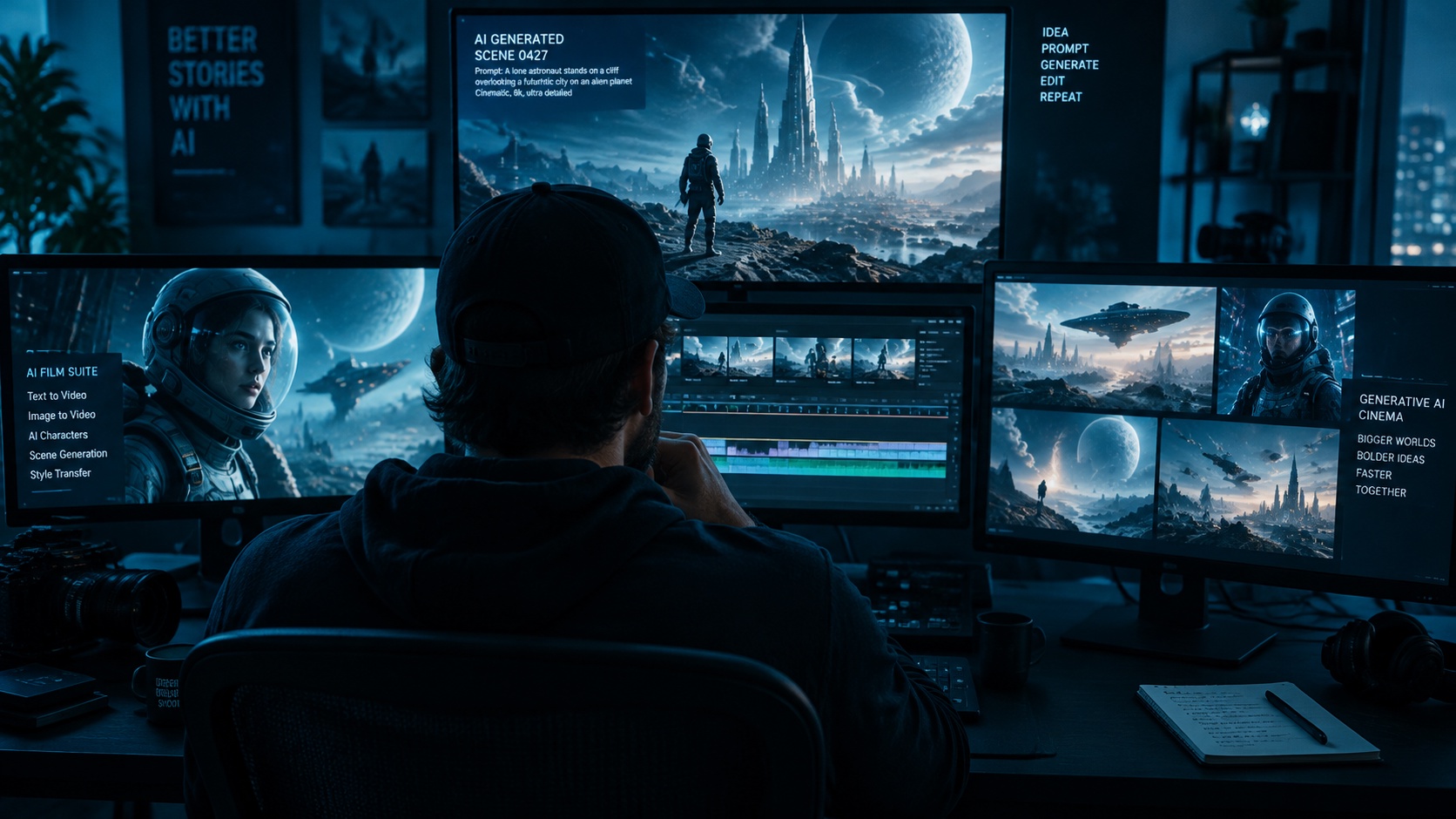
How I Created a Cinematic AI Short Film: Tools, Prompts and My Workflow
A complete behind-the-scenes breakdown of how I wrote, generated, edited and scored a three-minute sci-fi short film using only AI tools and a laptop.
Nov 18, 2026 · 4 min read
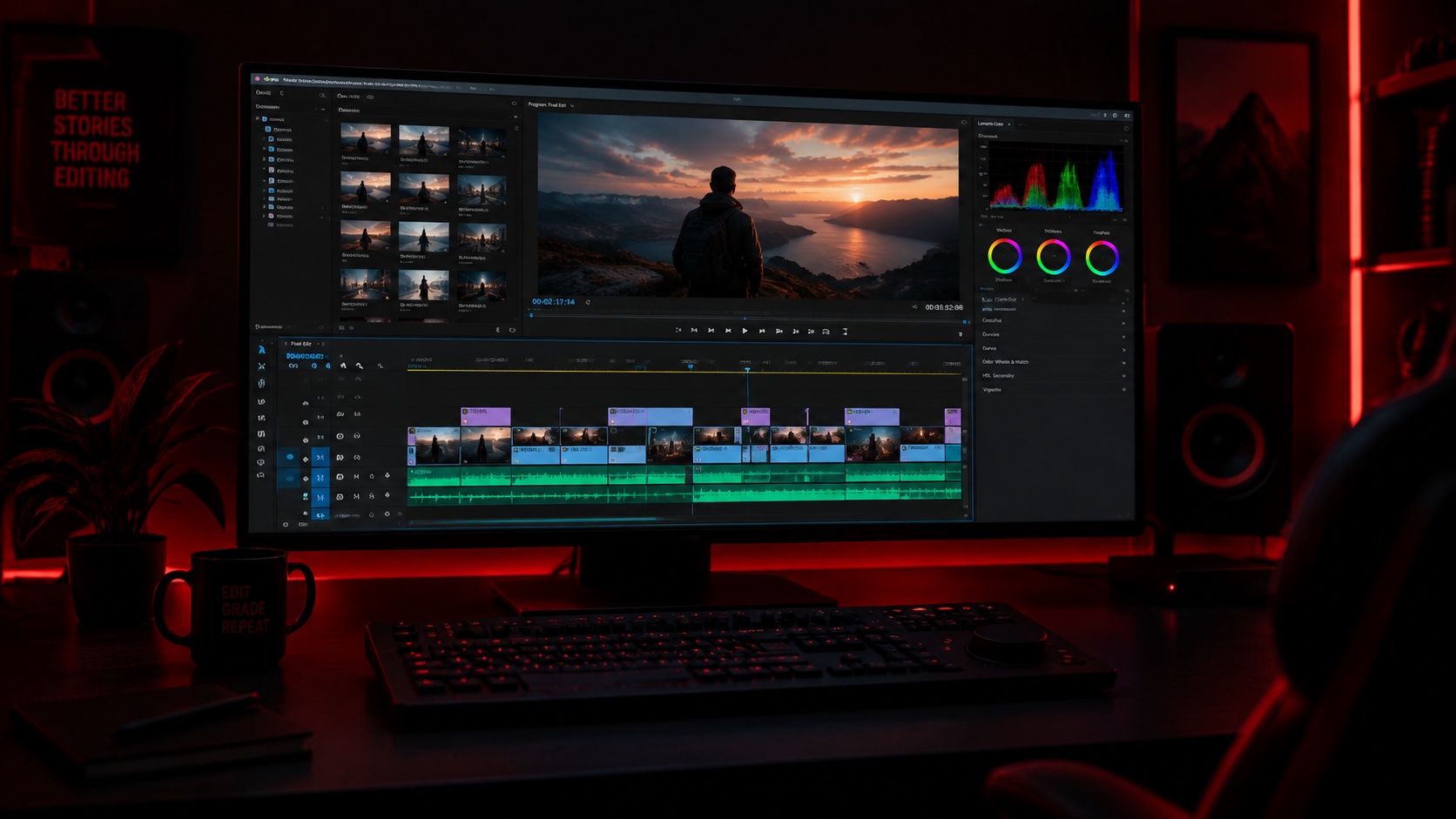
How to Write Prompts for AI Video: A Beginner's Framework
A simple, repeatable framework for writing AI video prompts that give you predictable, cinematic results instead of random clips.
Nov 5, 2026 · 2 min read