How to Write Prompts for AI Video: A Beginner's Framework
A simple, repeatable framework for writing AI video prompts that give you predictable, cinematic results instead of random clips.

By Sixtus
Nov 5, 2026 · 2 min read
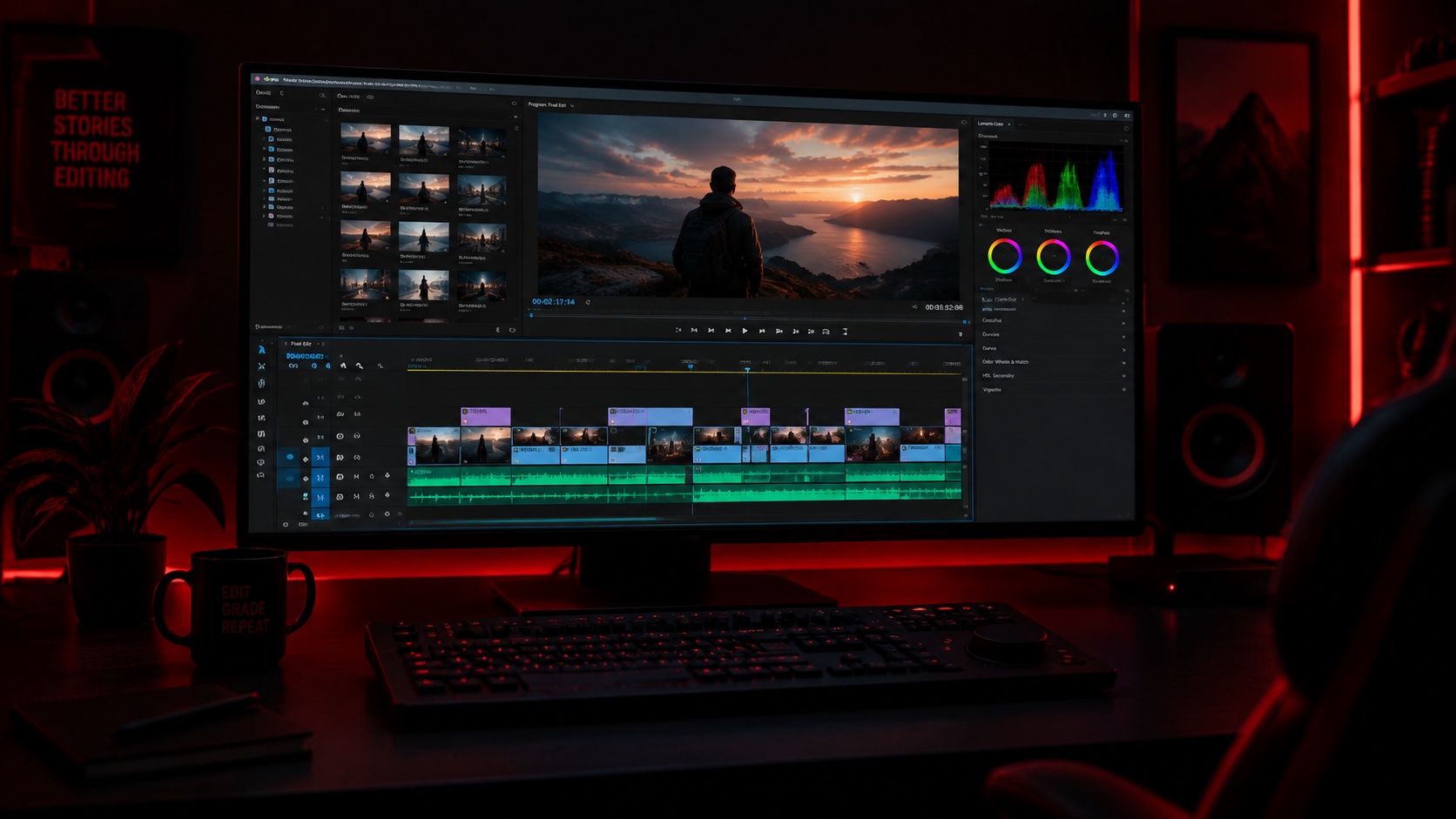
Most disappointing AI videos come from vague prompts. "A man walking in a city" leaves the model to guess almost everything: the camera, the lighting, the time of day, the style. In this guide I share the framework I use for every prompt, plus examples you can adapt.
The six-part prompt framework
Think like a director giving instructions to a camera crew. Every strong prompt answers six questions, in this order:
- Shot: how is the camera framing the scene? Wide, medium, close-up, extreme close-up, aerial.
- Subject: who or what is the focus? Describe appearance clearly and consistently.
- Action: what is happening? Use one clear action per shot.
- Setting: where are we? Include time of day and weather.
- Lighting and mood: golden hour, neon, overcast, moody, warm, cold.
- Style and lens: cinematic, documentary, 35mm, shallow depth of field, film grain.
Example: from weak to strong
Weak prompt: "A woman in the rain."
Strong prompt: "Close-up, a young woman with short dark hair and a yellow raincoat looks up at the sky, raindrops falling on her face, busy city street at night with blurred neon signs behind her, moody blue and pink lighting, 50mm lens, shallow depth of field, cinematic."
The second prompt gives the model far less to guess, so results are more consistent and much closer to what you imagined.
Describe camera movement explicitly
Camera movement is what makes AI video feel cinematic. Use plain filmmaking terms:
- Slow push in or slow pull out
- Tracking shot following the subject
- Pan left or pan right
- Orbit around the subject
- Static locked-off shot
- Handheld for a documentary feel
Ask for only one movement per shot. Combining several usually confuses the model.
Keep actions simple
Current models handle one clear action well and struggle with sequences. "A man opens the door, walks in, sits down and picks up a cup" will almost always fail. Split it into separate shots and connect them in the edit.
Use negative guidance when available
Some tools let you specify what you do not want. Common useful negatives include distorted hands, extra limbs, text, watermark, flicker and blurry faces.
Build a prompt library
Every time a prompt gives you a great result, save it in a document with the output. Over time you will build a personal library of lighting setups, camera moves and styles that you can reuse. This is the single habit that improved my results the most.
Common mistakes to avoid
- Writing long poetic paragraphs instead of clear instructions.
- Changing many variables at once, so you never learn what worked.
- Describing characters differently in each prompt.
- Expecting perfect text or logos inside the video.
Practice exercise
Pick one simple scene, such as a cup of coffee on a table. Write five prompts that change only one thing each time: first the lighting, then the camera, then the lens, then the style, then the movement. Compare the results side by side. In thirty minutes you will understand more about prompting than most tutorials can teach.
About the author
Sixtus is an entrepreneur and AI video creator building digital businesses, including the ShopAt marketplace. He shares tested workflows and honest lessons here. More about Sixtus.
Related Articles
From Idea to Upload: Plan Your First 30-Second AI Video
A practical, shot-by-shot guide to turning one simple idea into a coherent vertical video, with sample narration, consistent prompts, editing checks, and responsible publishing advice.
Nov 22, 2026 · 6 min read
How I Created a Cinematic AI Short Film: Tools, Prompts and My Workflow
A complete behind-the-scenes breakdown of how I wrote, generated, edited and scored a three-minute sci-fi short film using only AI tools and a laptop.
Nov 18, 2026 · 4 min read

The Best AI Video Generators in 2026: An Honest Comparison
I tested the most popular AI video generators on the same set of prompts. Here is how they compare on quality, control, speed and price.
Nov 12, 2026 · 2 min read