My Beginner AI Video Toolkit: Everything You Need to Start Today
The minimal set of tools, hardware and habits I recommend to anyone who wants to start making AI videos without wasting money.

By Sixtus
Sep 18, 2026 · 2 min read
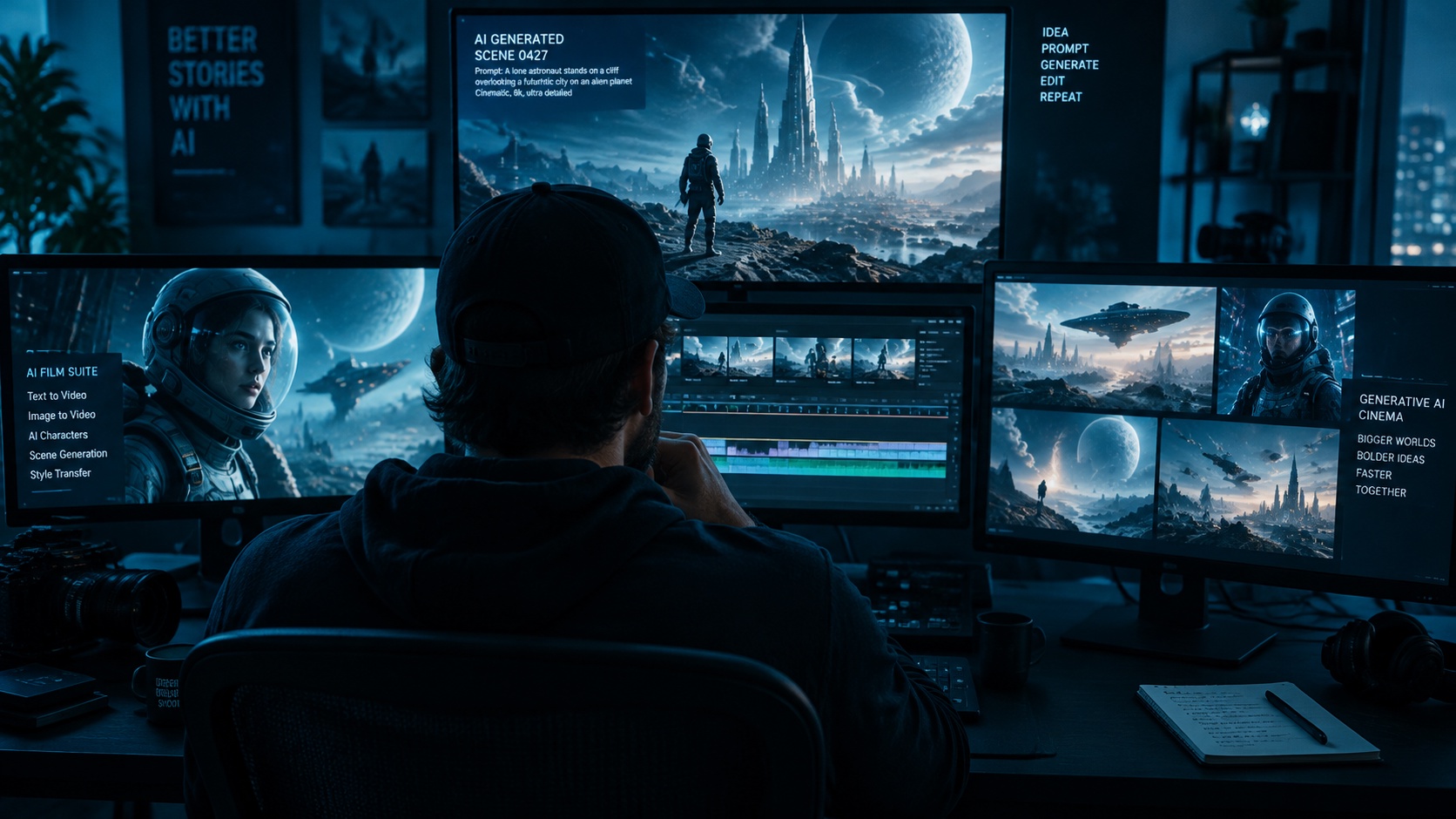
When I started making AI videos, I signed up for far too many tools and wasted money on features I never used. If you are just getting started, this is the minimal toolkit I would recommend.
Hardware: you need less than you think
Most AI video generation runs in the cloud, so you do not need an expensive computer. A reliable laptop that can run a video editor smoothly, a good pair of headphones and a stable internet connection are enough to start. A second monitor is a nice upgrade later.
The five types of tools you need
- An image generator for key frames and references.
- A video generator with image-to-video support.
- A voice tool, or simply a decent USB microphone for your own voice.
- A music and sound effects source with clear licensing.
- A video editor for assembling everything.
You do not need the most expensive option in each category. Start with free tiers and upgrade only the tool that limits you most.
Organisation tools
- A notes app for scripts, shot lists and your prompt library.
- A cloud folder structure: one folder per project, with subfolders for references, images, clips, audio and exports.
A simple first project
Make a 30-second video about something you love: a place, a hobby or a short story. Write five sentences, turn each into one shot, generate the clips, add music and export. Finishing one small project teaches you more than watching hours of tutorials.
Habits that matter more than tools
- Save every prompt that works.
- Finish projects, even imperfect ones.
- Study real films and notice camera angles and lighting.
- Share your work and ask for feedback.
Budget tips
- Draft at low resolution and only render finals at high quality.
- Cancel subscriptions you have not used in a month.
- Use annual plans only once you are sure a tool fits your workflow.
Final thoughts
The best toolkit is the one you actually use. Start small, learn the fundamentals and let your projects tell you what to upgrade next.
About the author
Sixtus is an entrepreneur and AI video creator building digital businesses, including the ShopAt marketplace. He shares tested workflows and honest lessons here. More about Sixtus.
Related Articles
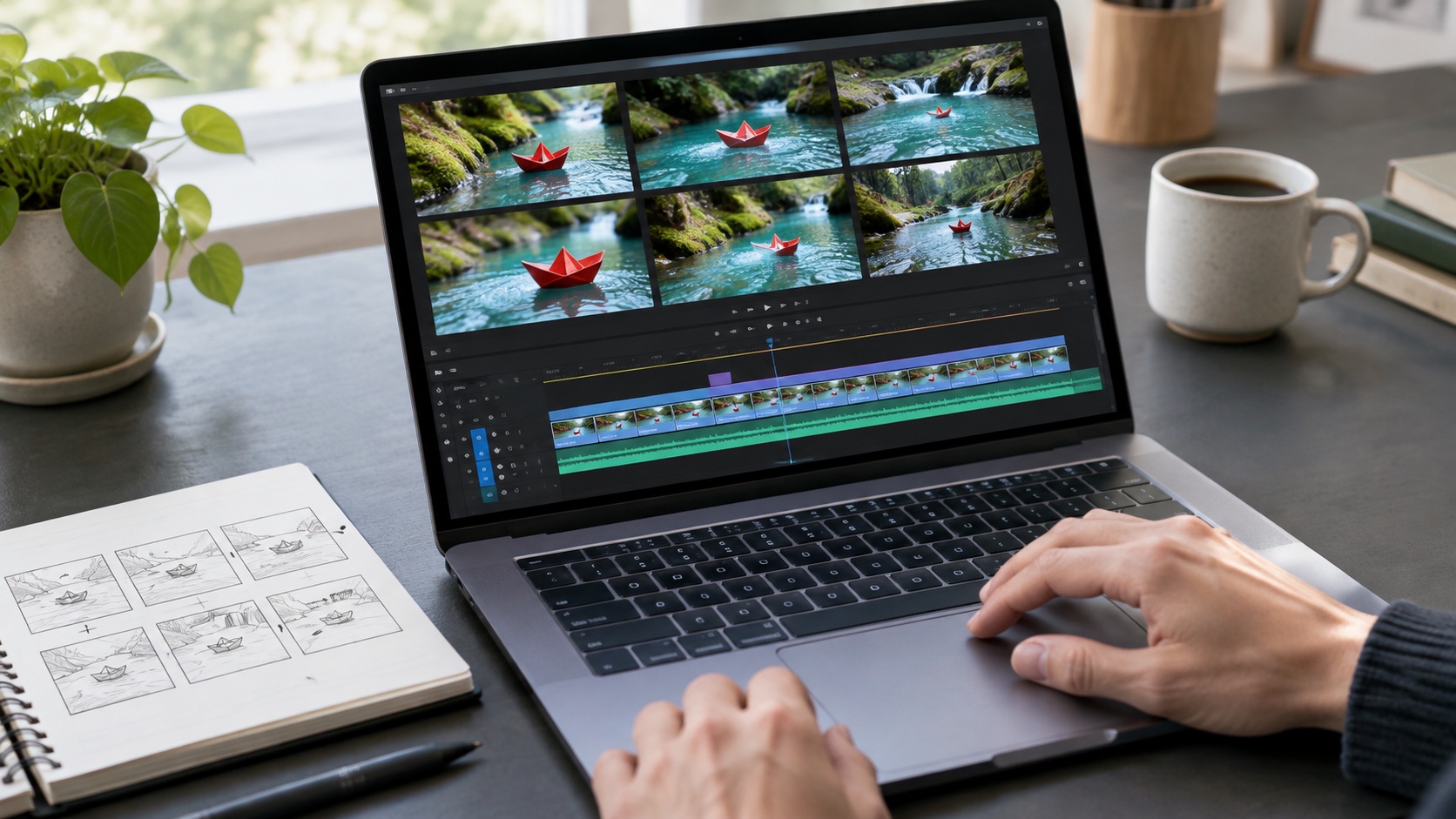
From Idea to Upload: Plan Your First 30-Second AI Video
A practical, shot-by-shot guide to turning one simple idea into a coherent vertical video, with sample narration, consistent prompts, editing checks, and responsible publishing advice.
Nov 22, 2026 · 6 min read
How I Created a Cinematic AI Short Film: Tools, Prompts and My Workflow
A complete behind-the-scenes breakdown of how I wrote, generated, edited and scored a three-minute sci-fi short film using only AI tools and a laptop.
Nov 18, 2026 · 4 min read

The Best AI Video Generators in 2026: An Honest Comparison
I tested the most popular AI video generators on the same set of prompts. Here is how they compare on quality, control, speed and price.
Nov 12, 2026 · 2 min read