Using AI Video to Start a Faceless YouTube Channel: What Actually Works
Faceless channels are booming, but most fail. Here is a realistic look at niches, workflows and quality standards that help AI-assisted channels grow.

By Sixtus
Oct 28, 2026 · 2 min read

Faceless YouTube channels, where the creator never appears on camera, have become one of the most popular ways to build an audience with AI. But for every channel that grows, many more are abandoned after a few weeks. Here is what I have learned from running my own storytelling channel and studying others.
Why most AI channels fail
The common pattern is easy to spot: generic scripts, robotic voices, random stock-style clips and no clear point of view. YouTube's audience, and its policies, reward content that is original and adds value. Mass-produced, repetitive videos rarely earn watch time, and channels built only on them can struggle to be monetised.
Choose a niche you can add value to
The best niches combine something you genuinely understand with a format that suits AI visuals. Good examples include:
- History and mystery storytelling, where AI can visualise scenes that were never filmed.
- Explainers about science, technology or finance, with clear original scripts.
- Short fiction and animated stories.
- Tutorials and reviews where you show your own screen and results.
Avoid niches where you can only copy what others are already doing.
The script is the product
Viewers stay for the story or the information, not the visuals. I spend more time on scripts than on anything else. A good script has a strong hook in the first ten seconds, a clear structure, and a satisfying ending. I research every factual claim and keep a list of sources for each video.
Voice: human or AI?
Recording your own voice builds trust and makes the channel distinct. If you use an AI voice, choose a natural one, adjust the pacing, and edit pauses so it does not sound monotonous. Many successful channels start with an AI voice and switch to a human narrator once they grow.
A practical production workflow
- Research and write the script.
- Record or generate the voice-over.
- Create a shot list matched to the narration.
- Generate images and short clips for each section.
- Edit with music, sound effects, captions and pacing changes every few seconds.
- Design a clear, honest thumbnail.
Quality signals that matter
- Watch time and audience retention.
- Click-through rate on thumbnails and titles that match the content.
- Comments and returning viewers.
Focus on making each video better than the last rather than publishing as many as possible.
Be transparent
YouTube asks creators to disclose realistic altered or synthetic content. Following the rules protects your channel. Honest labelling also builds trust; audiences increasingly appreciate creators who are open about their tools.
Final advice
Treat your channel like a small media business, not a shortcut. Publish consistently, study your analytics, and keep improving. AI makes production faster, but the creators who win are still the ones who care most about their audience.
About the author
Sixtus is an entrepreneur and AI video creator building digital businesses, including the ShopAt marketplace. He shares tested workflows and honest lessons here. More about Sixtus.
Related Articles
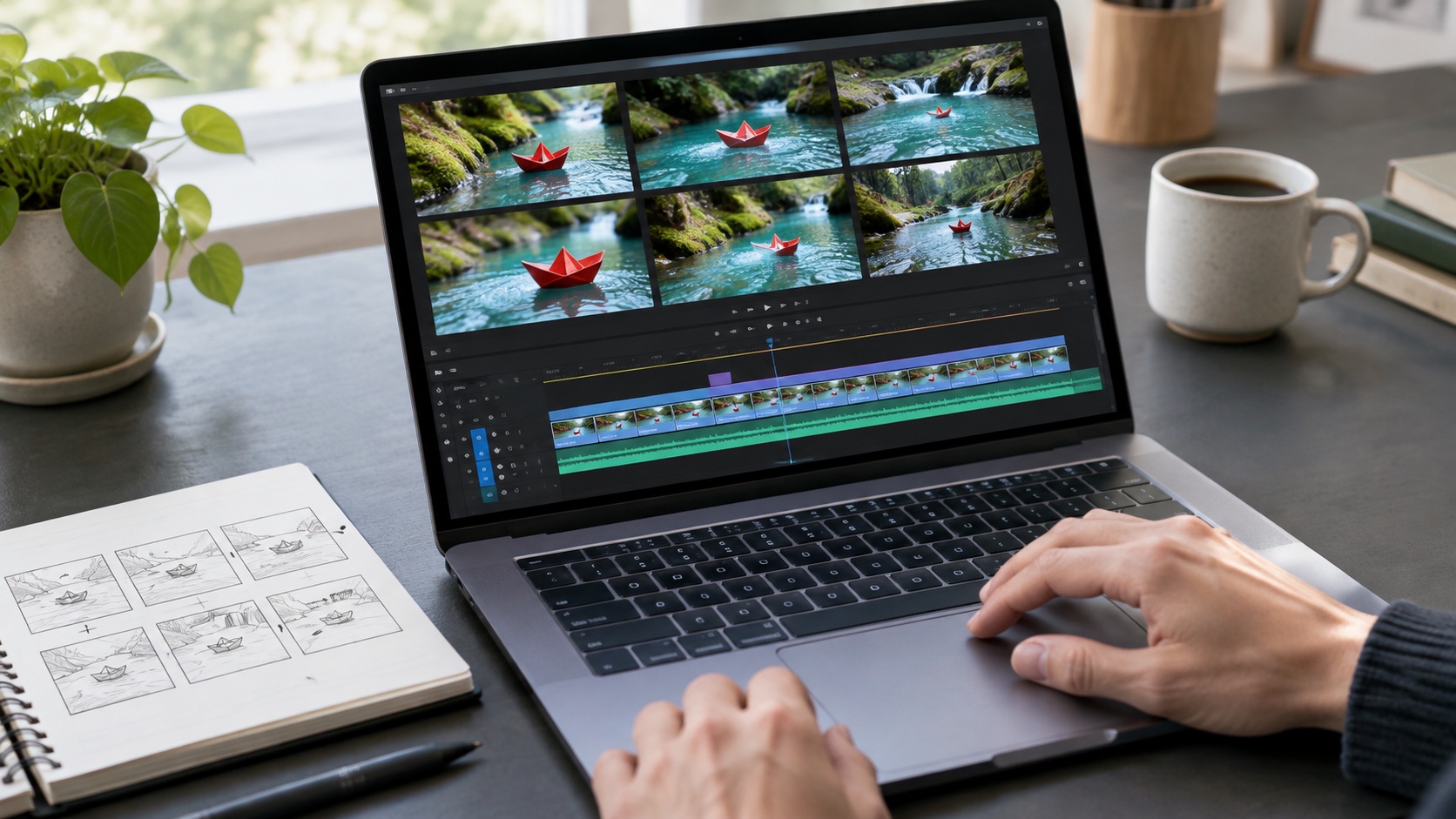
From Idea to Upload: Plan Your First 30-Second AI Video
A practical, shot-by-shot guide to turning one simple idea into a coherent vertical video, with sample narration, consistent prompts, editing checks, and responsible publishing advice.
Nov 22, 2026 · 6 min read
How I Created a Cinematic AI Short Film: Tools, Prompts and My Workflow
A complete behind-the-scenes breakdown of how I wrote, generated, edited and scored a three-minute sci-fi short film using only AI tools and a laptop.
Nov 18, 2026 · 4 min read

The Best AI Video Generators in 2026: An Honest Comparison
I tested the most popular AI video generators on the same set of prompts. Here is how they compare on quality, control, speed and price.
Nov 12, 2026 · 2 min read