There was a time when I believed building a successful technology company required a large team, multiple offices, and an endless budget.
I was wrong.
Today, I run multiple projects, publish articles, design graphics, build websites, research new markets, create videos, and manage my personal brand – mostly on my own.
That does not mean I work 18 hours every day.
Instead, I let artificial intelligence handle the repetitive work while I focus on making decisions that actually move my businesses forward.
My late nights are no longer spent manually editing images or rewriting the same paragraph twenty times. Instead, they are spent validating ideas, speaking with users, and planning the next product.
If you’ve read my story about building businesses during long nights, you’ll know that entrepreneurship is rarely glamorous. Most days, you’re the CEO, designer, marketer, customer support representative, and developer at the same time.
The difference today is simple.
I have AI teammates.
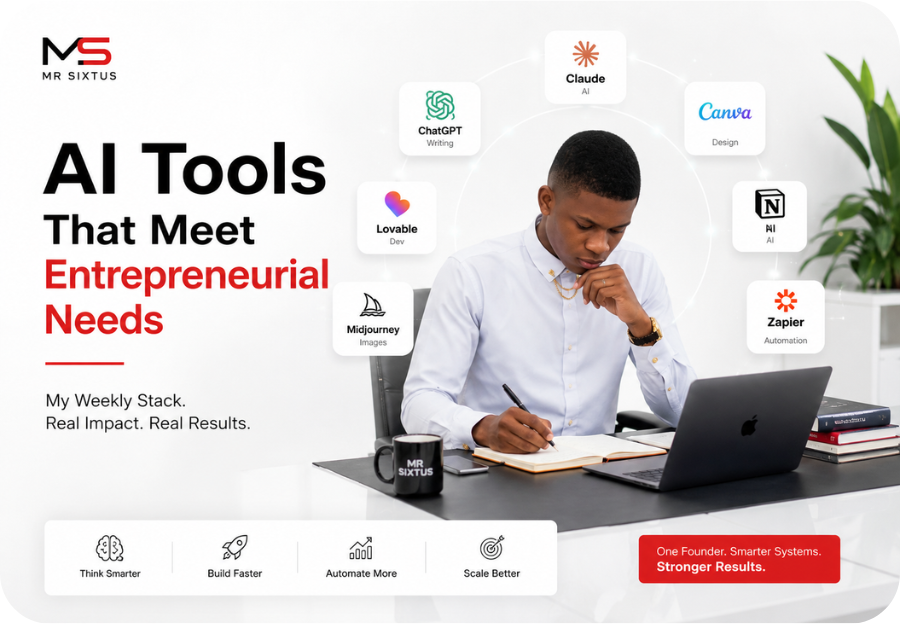
In this article, I’ll share the 15 AI tools I actually use every week, explain how I use them in my workflow, and show the real AI tools productivity impact they have had on my life as a solo founder.
Why AI Has Become My Competitive Advantage
Being a solo founder means every hour matters.
Every repetitive task steals time from innovation.
Instead of hiring an entire team immediately, I chose to build systems powered by AI.
That decision completely changed how I work.
Instead of asking:
“How can I do everything?”
I started asking:
“Which AI can do this better?”
That mindset shift has probably saved me hundreds of hours.
MY STORY 👉 My Entrepreneur Journey: The Late Nights, Hard Lessons, and Success Stories That Changed My Life
1. Claude AI – My Strategic Thinking Partner
Anthropic developed Claude, and it has become one of the first tools I open every morning.
I rarely use Claude for simple writing.
Instead, I use it to think.
Examples include:
- brainstorming startup ideas
- improving business strategies
- reviewing product roadmaps
- analyzing competitors
- refining articles before publication
Claude feels more like discussing ideas with a thoughtful co-founder than simply chatting with an AI.
Productivity impact:
Instead of spending three hours refining an idea, I usually reach a better conclusion in under thirty minutes.
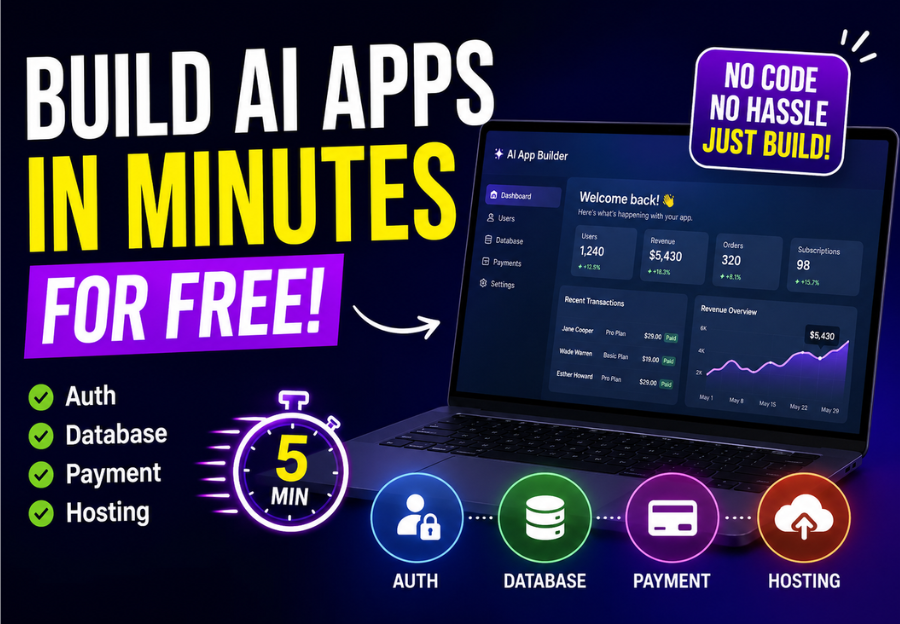
2. Lovable Dev – Building Products Without Writing Everything From Scratch
Lovable completely changed how I think about software development.
Instead of spending months learning every framework, I can describe the application I want, refine the prompts, and watch a working prototype appear surprisingly quickly.
I’ve used Lovable Dev to build:
- startup MVPs
- landing pages
- dashboards
- admin panels
- SaaS interfaces
It allows me to focus on solving customer problems rather than wrestling with boilerplate code.
Productivity impact:
Weeks of development can often become days.
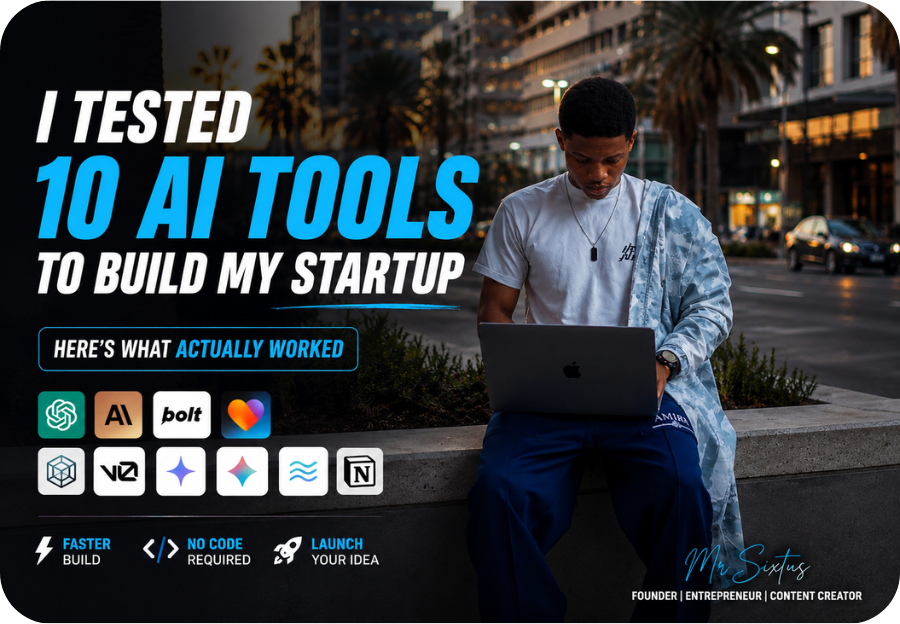
👉 RECOMMENDED: I Tested 10 AI Tools to Build My Startup — Here’s What Actually Worked (And Why Lovable.dev Won)
3. ChatGPT – My Everyday Assistant
Whether I’m planning content, summarizing research, generating ideas, or improving copy, ChatGPT remains one of my most frequently used tools.
Typical tasks include:
- outlining blog articles
- brainstorming YouTube ideas
- creating email drafts
- writing social media content
- explaining technical concepts
Rather than replacing my thinking, it accelerates it.
4. Canva Magic Studio – Fast Graphic Design
Canva is where nearly every thumbnail, infographic, presentation, and social media graphic begins.
The AI features help me:
- remove backgrounds
- generate designs
- resize images
- improve layouts
- create marketing materials
As someone without a full-time designer, Canva saves an incredible amount of time.
5. Perplexity AI – Smarter Research
When I need reliable research rather than creative writing, Perplexity is my first stop.
It helps me:
- verify facts
- compare information
- discover sources
- explore new industries
This reduces the time I spend jumping between dozens of browser tabs.
6. Midjourney – Creating Unique Visuals
Midjourney helps me create custom illustrations for presentations, blog concepts, and marketing campaigns.
Instead of searching endlessly for stock photos, I generate visuals tailored to my ideas.
7. Notion AI – Organizing My Business
Notion Labs powers my knowledge base.
I use Notion AI to:
- summarize meeting notes
- organize projects
- write documentation
- create SOPs
- brainstorm workflows
It keeps everything connected in one workspace.
RELATED: AI to Make Your Everyday Life Easier: Google’s Latest AI Features Reviewed (2026)
8. ElevenLabs – Professional Voiceovers
ElevenLabs has transformed how I produce videos.
Instead of recording multiple takes, I generate natural-sounding voiceovers for:
- tutorials
- product demos
- YouTube videos
- marketing videos
9. CapCut AI – Faster Video Editing
CapCut helps me edit videos significantly faster.
Features I regularly use include:
- automatic captions
- silence removal
- AI effects
- background removal
- auto reframing
10. Grammarly – Final Proofreading
Grammarly provides the final polish before publishing.
Even after reviewing my own writing, Grammarly catches subtle grammar issues that are easy to overlook.
11. Figma AI – Designing Product Interfaces
Figma allows me to quickly visualize application interfaces before development begins.
Instead of sketching ideas on paper, I build interactive designs that help validate concepts earlier.
12. Gemini – Google’s AI Perspective
Google’s Gemini offers another viewpoint when researching technical topics, comparing information, or exploring Google’s ecosystem.
Different AI models often provide different insights, making cross-checking valuable.
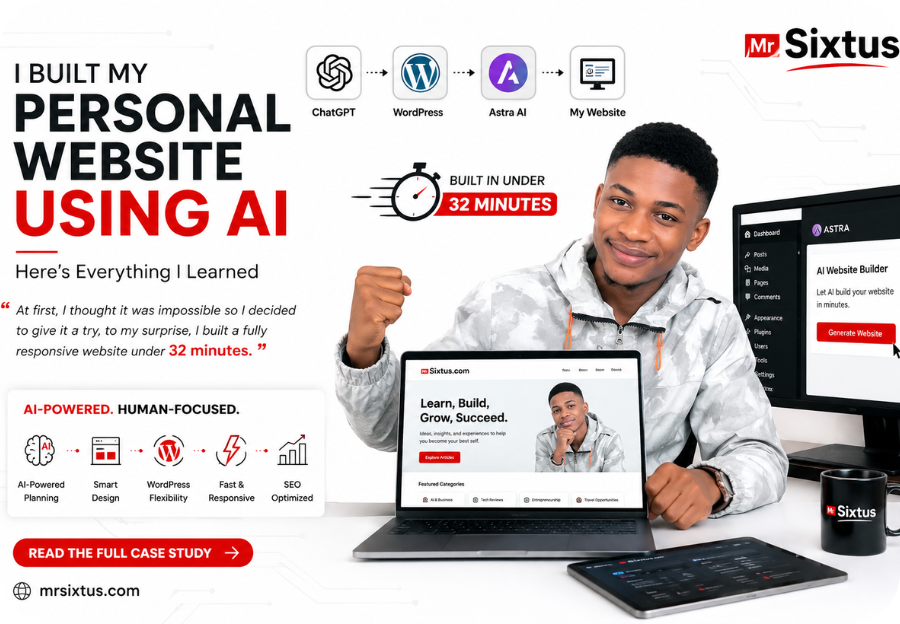
READ ALSO: I Built My Personal Website Using AI: Everything I Learned After Launching MrSixtus.com
13. Descript – Editing Audio Like a Document
Descript simplifies podcast and video editing.
Deleting unnecessary words is as easy as deleting text from a document.
That alone saves hours.
14. Cursor AI – Coding Faster
Cursor has become one of my favorite development tools.
It assists with:
- debugging
- writing functions
- explaining code
- refactoring projects
- improving documentation
Rather than replacing developers, it makes development dramatically faster.
15. Zapier AI – Connecting Everything Together
Zapier automates repetitive work across multiple platforms.
Examples include:
- publishing content
- moving data
- sending notifications
- updating spreadsheets
- automating business workflows
The less time I spend clicking buttons, the more time I spend building products.
What Most People Get Wrong About AI
Many people believe AI will replace entrepreneurs.
I disagree.
AI rewards entrepreneurs who know what they want to build.
It cannot replace curiosity.
It cannot replace vision.
It cannot replace leadership.
AI simply gives ambitious people leverage.
The founder with better systems usually outpaces the founder who works longer hours.
The Real AI Tools Productivity Impact
The biggest benefit isn’t writing articles faster.
It isn’t generating images.
It isn’t creating code.
The biggest AI tools productivity impact is reclaiming time.
Time to think.
Time to validate ideas.
Time to speak with customers.
Time to improve products.
Time to rest.
Every hour AI saves can be invested into work that creates long-term value.
For solo founders, that leverage is priceless.
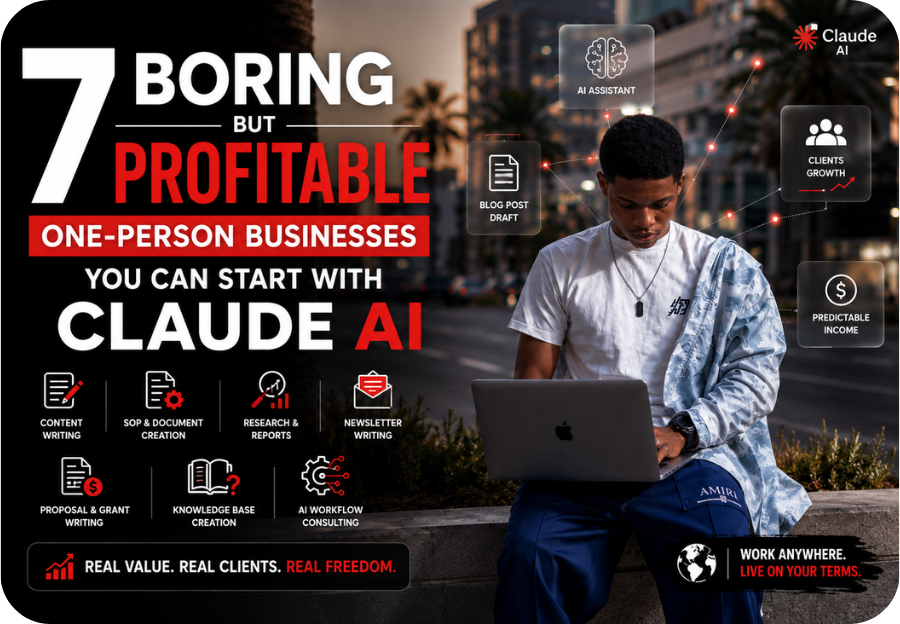
SEE ALSO: 7 Boring But Profitable One-Person Businesses You Can Start With Claude AI
My Weekly AI Workflow
Here’s how these tools fit into a typical week:
| Task | AI Tool |
|---|---|
| Brainstorming | Claude AI |
| Writing | ChatGPT |
| Research | Perplexity |
| Website Development | Lovable Dev |
| Coding | Cursor AI |
| UI Design | Figma AI |
| Graphics | Canva |
| Voiceovers | ElevenLabs |
| Video Editing | CapCut |
| Automation | Zapier |
| Organization | Notion AI |
| Image Generation | Midjourney |
| Proofreading | Grammarly |
| Audio Editing | Descript |
| Technical Research | Gemini |
This combination allows me to accomplish what previously required an entire small team.
LASTLY..
Being a solo founder is challenging, but it has never been more possible.
Artificial intelligence has not eliminated the hard work of entrepreneurship, it has amplified what one determined person can accomplish.
The AI tools productivity impact I’ve experienced goes far beyond saving a few minutes here and there. These tools have helped me move from constantly reacting to intentionally building. They allow me to launch ideas faster, test products more efficiently, create better content, and focus on solving meaningful problems instead of getting buried in repetitive tasks.
If you’re building a startup, growing a personal brand, or running a business on your own, don’t aim to use every AI tool available. Start with the few that solve your biggest bottlenecks, master them, and expand your toolkit as your workflow evolves.
The goal isn’t to work harder.
It’s to build smarter, with AI as your most reliable teammate.
Frequently Asked Questions (FAQ)
What are the best AI tools for solo founders?
Some of the best AI tools for solo founders include Claude AI, ChatGPT, Lovable Dev, Canva, Perplexity, Cursor AI, Notion AI, Zapier, CapCut, and ElevenLabs because they help automate content creation, coding, research, design, and business workflows.
How do AI tools improve productivity?
The AI tools productivity impact comes from automating repetitive tasks, reducing manual work, improving decision-making, and allowing entrepreneurs to spend more time on strategy, innovation, and customer relationships.
Should I use multiple AI tools or just one?
Each AI tool has its strengths. Many solo founders achieve better results by combining specialized tools for writing, coding, design, research, and automation instead of relying on a single platform.